SurfStage

Changelog

Every SurfStage release, newest first. The app checks for updates every few hours and tells you in the status bar.
v0.1.21

What's new, in the app

  • The bottom of Settings shows your version and checks for updates right there.
  • What's new lists every release, with the one you're running marked.
v0.1.20

Tidier tooltips

  • Tooltips stay inside the panel they belong to, wrapping to fit.
  • They say less: inbox rows show the full title with a short note like #7 · assigned.
v0.1.19

New issues, pull requests and triage

  • Open issues (⌘N) and pull requests (⇧⌘N) without leaving SurfStage: pick labels, or the branches to merge, and it fills in the title from your commits.
  • A banner offers a pull request for a branch you just pushed.
  • Change labels, assignees and milestone right under the title, with undo.
  • Leave notes on lines of a mission's diff and send them to the agent as one follow-up.
  • New Repository moves to ⌥⌘N.
v0.1.18

Safer missions

  • Text from other people (issues, review comments) is treated as information, never as instructions.
  • Secret files never get pushed, and opening a fork's code in an editor asks first.
  • Let agents run your tests and linters, see what each mission costs, and cap it.
  • Get a notification when a mission is ready.
v0.1.17

The mission log follows the run

  • The log follows a run as it happens and opens at the newest line.
  • It no longer jumps to the diff when a run ends, and the follow-up box fits narrow panels.
v0.1.16

A terminal icon for missions

  • The missions panel button is now a terminal icon instead of a chat bubble.
v0.1.15

Missions stay put

  • Missions are no longer lost when another copy of SurfStage quits.
  • The mission view fits narrow windows, with a smaller push button, a tidier footer and the whole repository name.
v0.1.14

Missions continue

  • A mission started from an issue stays with it, and follow-ups carry on in the same branch. Claude Code picks up its own conversation.
  • After the pull request is open, a follow-up pushes to it.
  • The mission box uses the app's text size, and long briefs no longer get cut off.
v0.1.13

Repo search, a fuller inbox and merge fixes

  • Find a repository with ⌘P: type to filter, recent ones first, new repository pinned on top.
  • The all-repos inbox adds your failing pull requests, ones ready to merge, and mentions.
  • A pull request that can't merge says why, with a button for each fix.
  • Check a pull request out in its own worktree and open it in your editor.
  • Saved replies in every reply box (⇧⌘R).
v0.1.12

Faster review

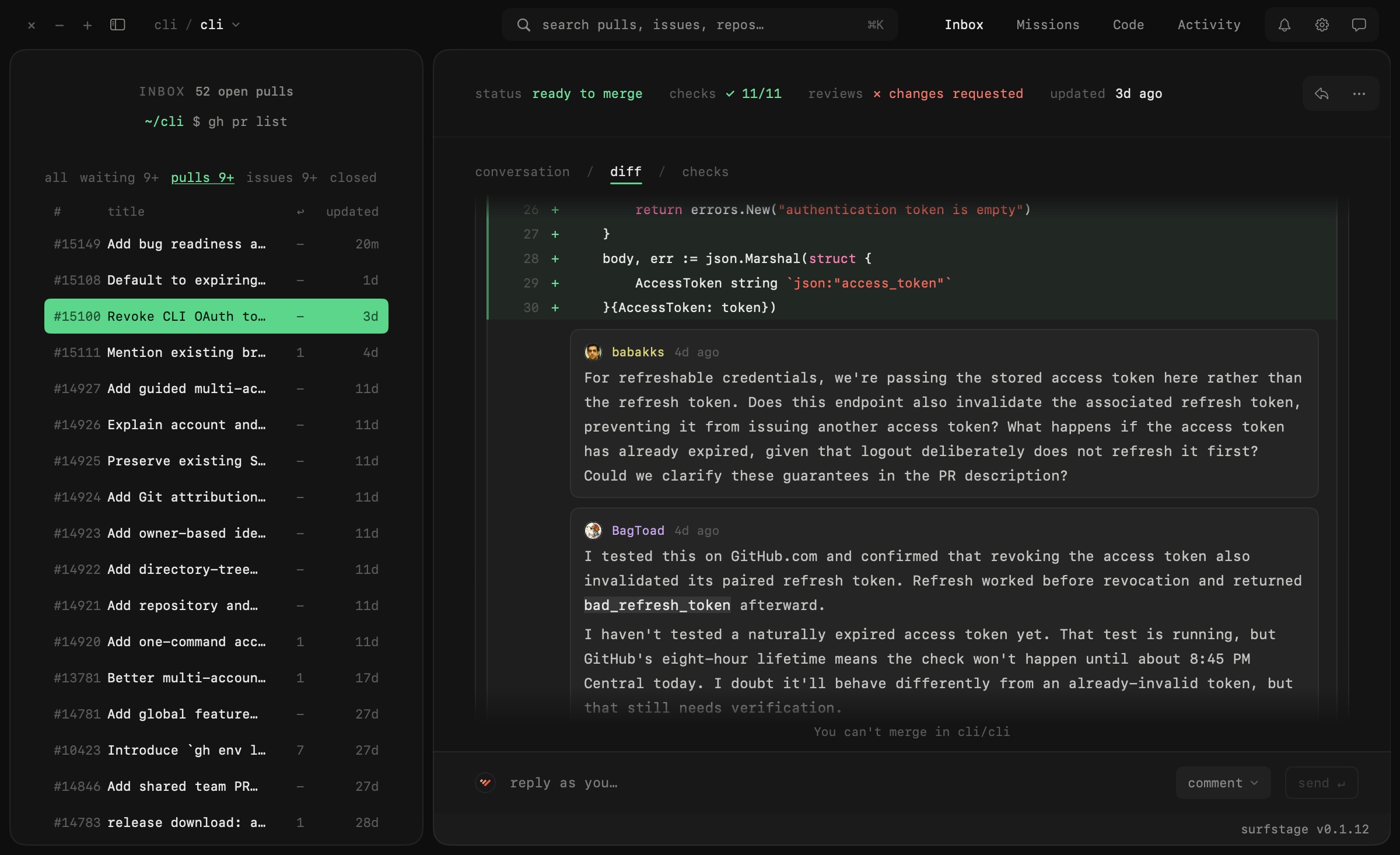
  • Mark files viewed, and jump between threads and files with n / p and ] / [.
  • Comment on several lines at once, and undo with z.
  • Switch pull requests between draft and ready.
v0.1.11

Threads, suggestions and reviewers

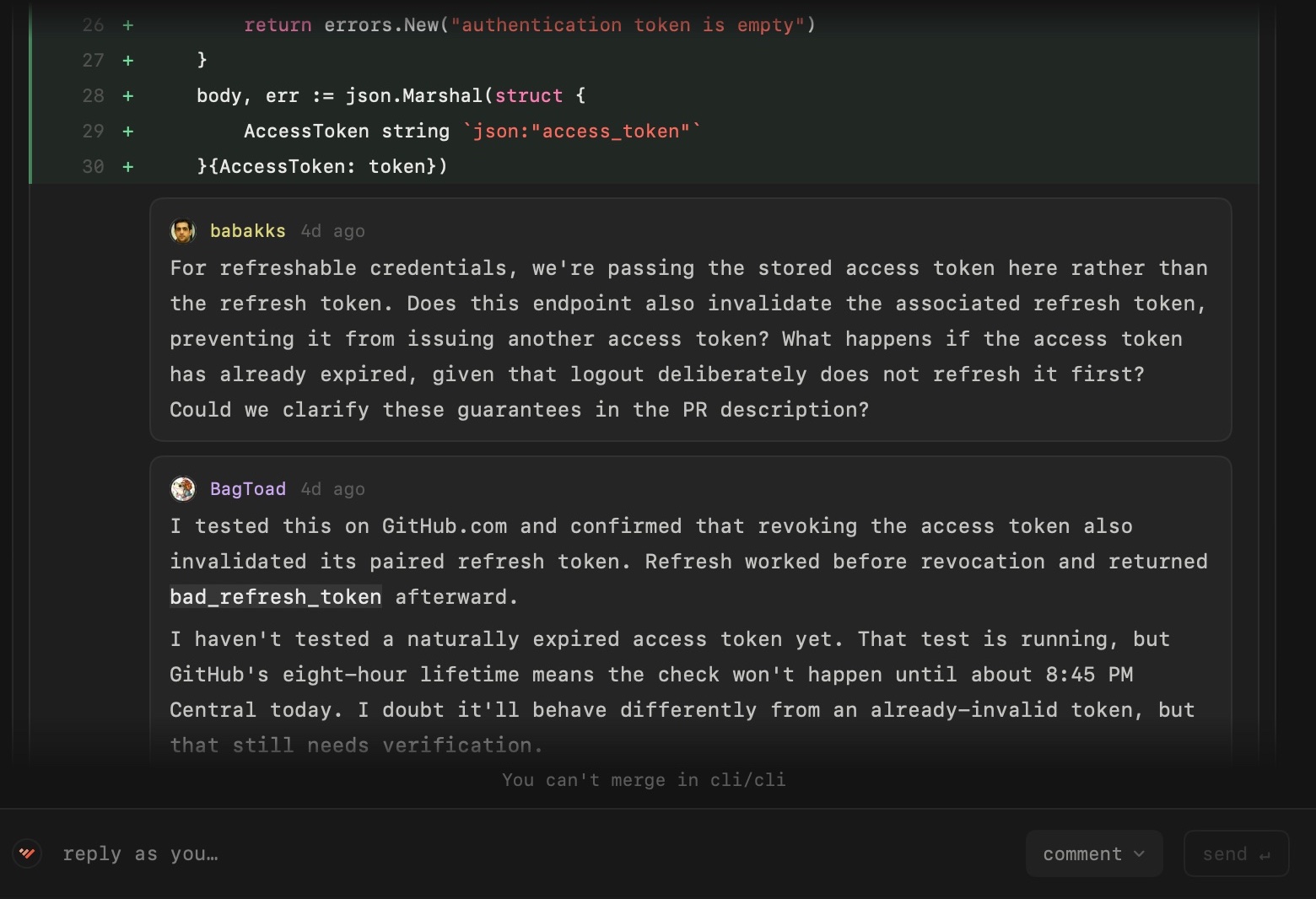
  • Resolve and reply to line threads, commit suggested changes, and request reviewers without leaving SurfStage.
v0.1.10

Conversation digest

  • Long conversations fold into a short digest with a needs-you list.
  • List titles are shorter: dependency bumps show the package.
v0.1.9

Text size and wrapping

  • Text is a little smaller by default. Change it in Settings › General, or with ⌘+ and ⌘−.
  • Files in the Code tab wrap long lines, with a switch to turn wrapping off.
v0.1.8

Notifications and a keyboard inbox

  • Mac notifications for review requests, mentions and your pull requests (Settings › General).
  • Keyboard inbox: j and k to move, r reply, m merge, u update, x close, v d c for tabs, g opens on GitHub.
v0.1.7

Re-run checks and merge options

  • Re-run failed checks from the Checks tab.
  • Update a pull request that's behind its base branch.
  • Merge, squash or rebase, delete the branch after merging, or turn on auto-merge to merge when checks pass.
v0.1.6

Confirmations in the app's own design

  • A small panel drops from the button you clicked instead of a macOS dialog.
  • Risky actions, like merging with failing checks or discarding a mission, need ⌘Return.
v0.1.5

Neutral checks

  • Checks that finish neutral, like AI reviews and scan reports, no longer count as passed.
  • Each check shows its own result under its name, for example No new alerts.
v0.1.4

A new icon

  • A green wave over two lines, also in the menu bar.
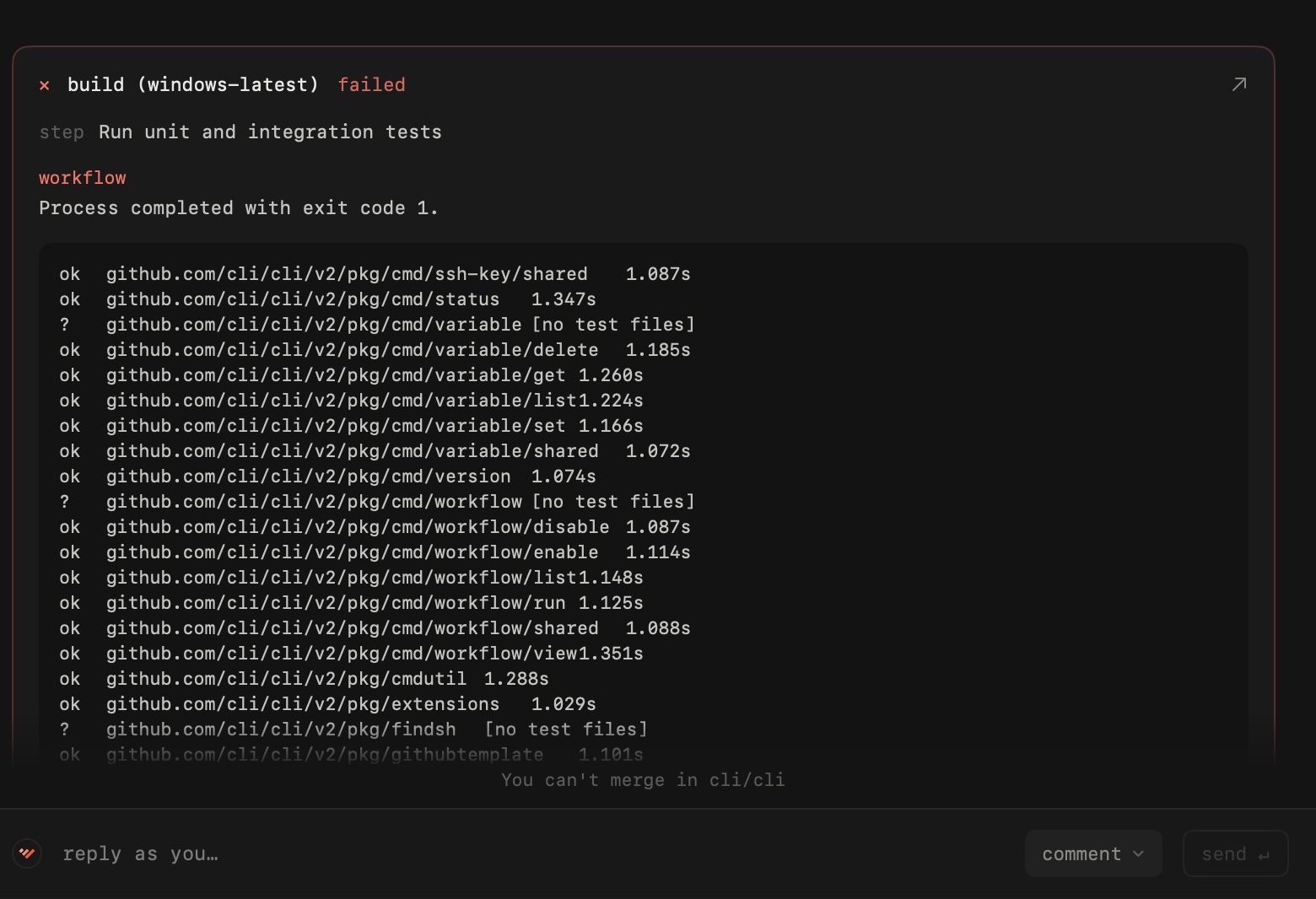
  • Failing checks from Windows runners show the lines around the error.
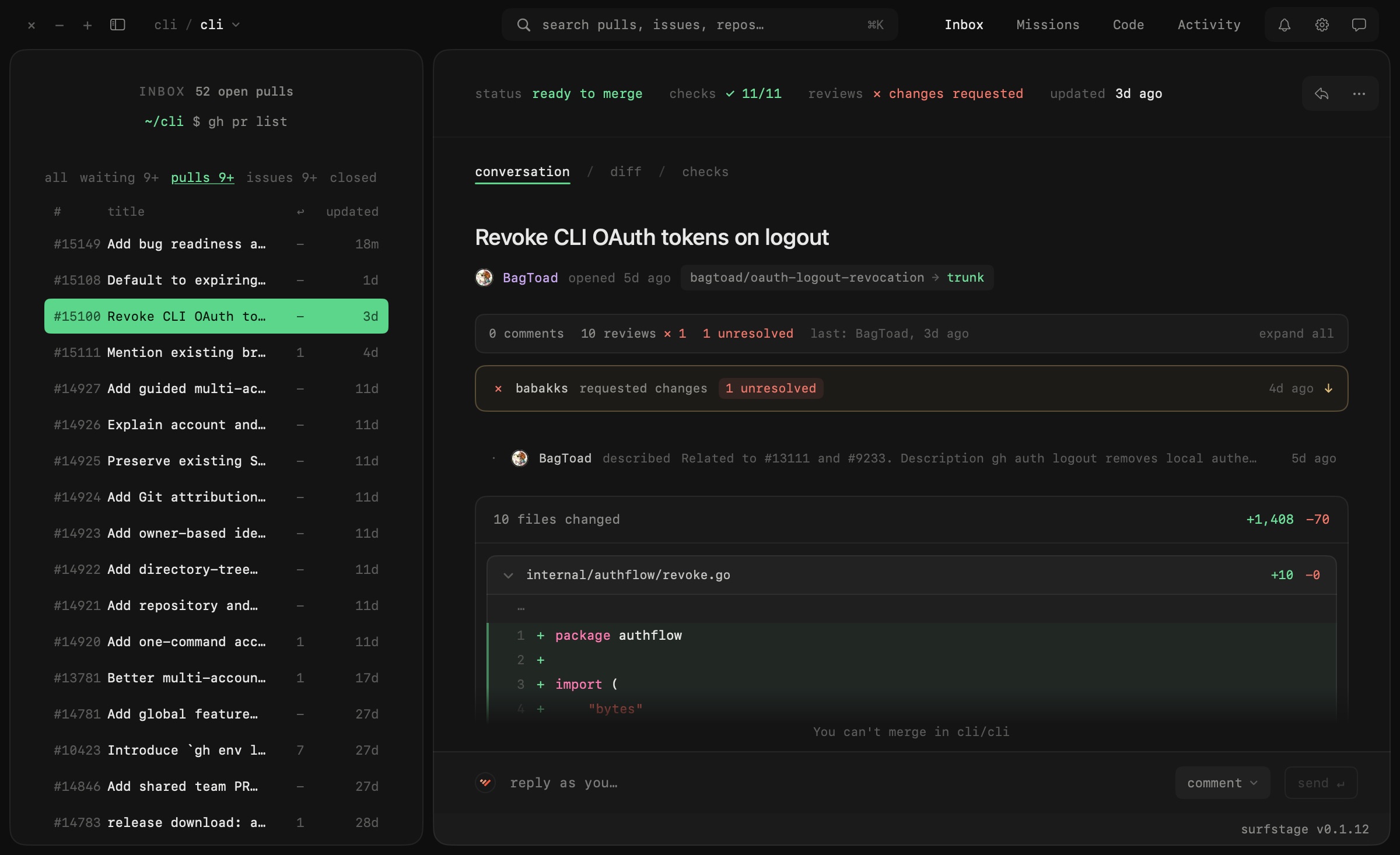
  • Full issue and pull request numbers in the inbox, and README notes and warnings display properly.
v0.1.3

Narrow windows

  • Lists no longer shift and clip with the missions panel open, and empty messages stay centered when they wrap.
v0.1.2

Inbox filters fit

  • Inbox filters no longer get cut off at the edges in narrow windows.
v0.1.1

First fixes

  • Inbox filters stay on one line in narrow windows (big counts show as 9+).
  • The mission panel footer no longer cuts off the branch name.
v0.1.0

First release

  • Review pull requests and issues across your repositories without the browser.
  • Comment, approve or request changes, with line comments on the diff.
  • See why checks failed, and hand issues and fixes to coding agents.
  • Automatic updates.